
Microsoft 365 + Copilot Pro: Marketing the value of integrated AI use cases
January 13, 2025
In this assessment I review the marketing behind Microsoft 365 and Copilot Pro, including:
- Is the audience clear for MS 365?
- Are the core AI use cases clear?
- Is it clear how Copilot and its integration with 365 apps provide differentiated value?
- How hard is it to buy Copilot Pro?
- What are some of the highlights of how Microsoft markets Copilot?
- What’s missing?
Date Assessed: 12.20.2024
Asset type: Website
Link: Microsoft 365 – Subscription for Productivity Apps | Microsoft 365
Context
Microsoft 365 is a comprehensive suite of productivity tools designed to help individuals, businesses, and educational institutions work more efficiently and collaboratively. It includes Office Apps (such as Word, Excel, PowerPoint, Outlook, and OneNote), cloud storage via OneDrive, Outlook email, Teams, SharePoint and Power.
Microsoft Copilot is an AI-powered assistant integrated into Microsoft 365 applications. It uses natural language processing and Microsoft Graph to provide personalized, context-specific assistance.
As you will see from my assessment, Copilot has become a critical part of the value proposition for Microsoft 365.
In the assessment I look at several key questions starting with the basic ones like – who exactly is the buyer audience for this solution? And what value does AI bring to them?
Is the audience clear for Microsoft 365?
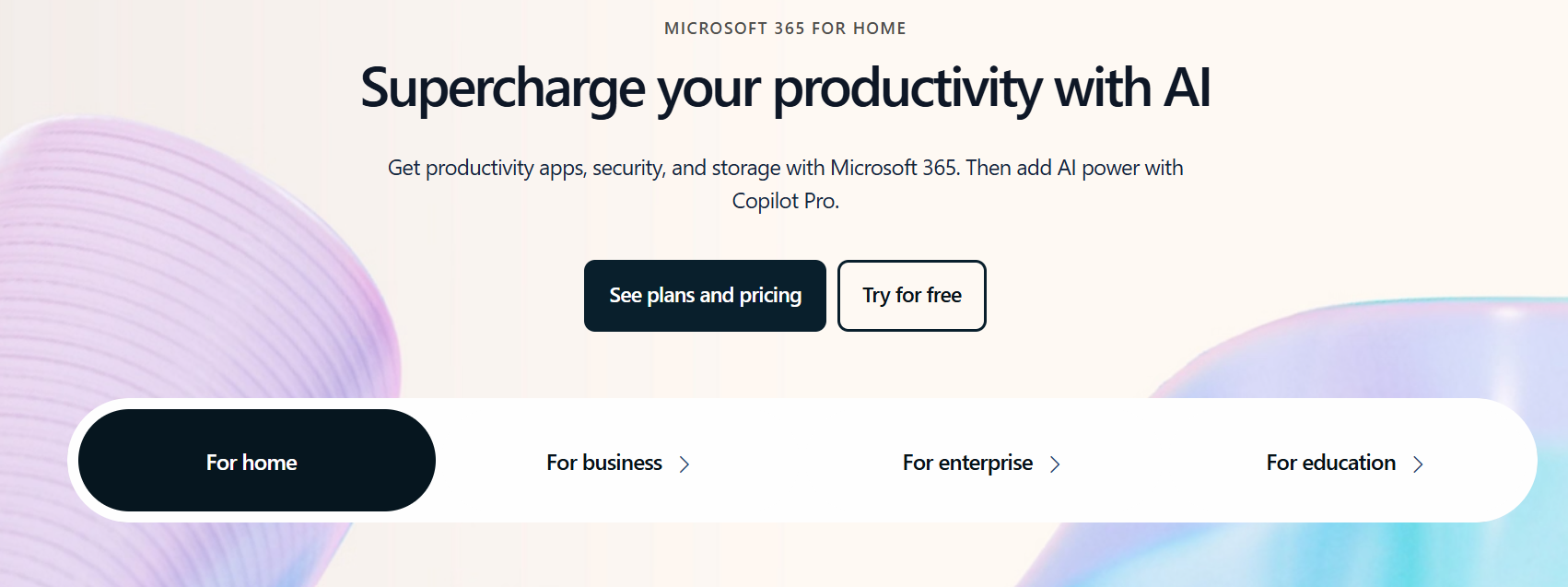
One of the first things you see on the home page is the slider, which simplifies the customer experience and makes the intended audience segments very clear – personal users at home, small businesses, large enterprises and higher education.
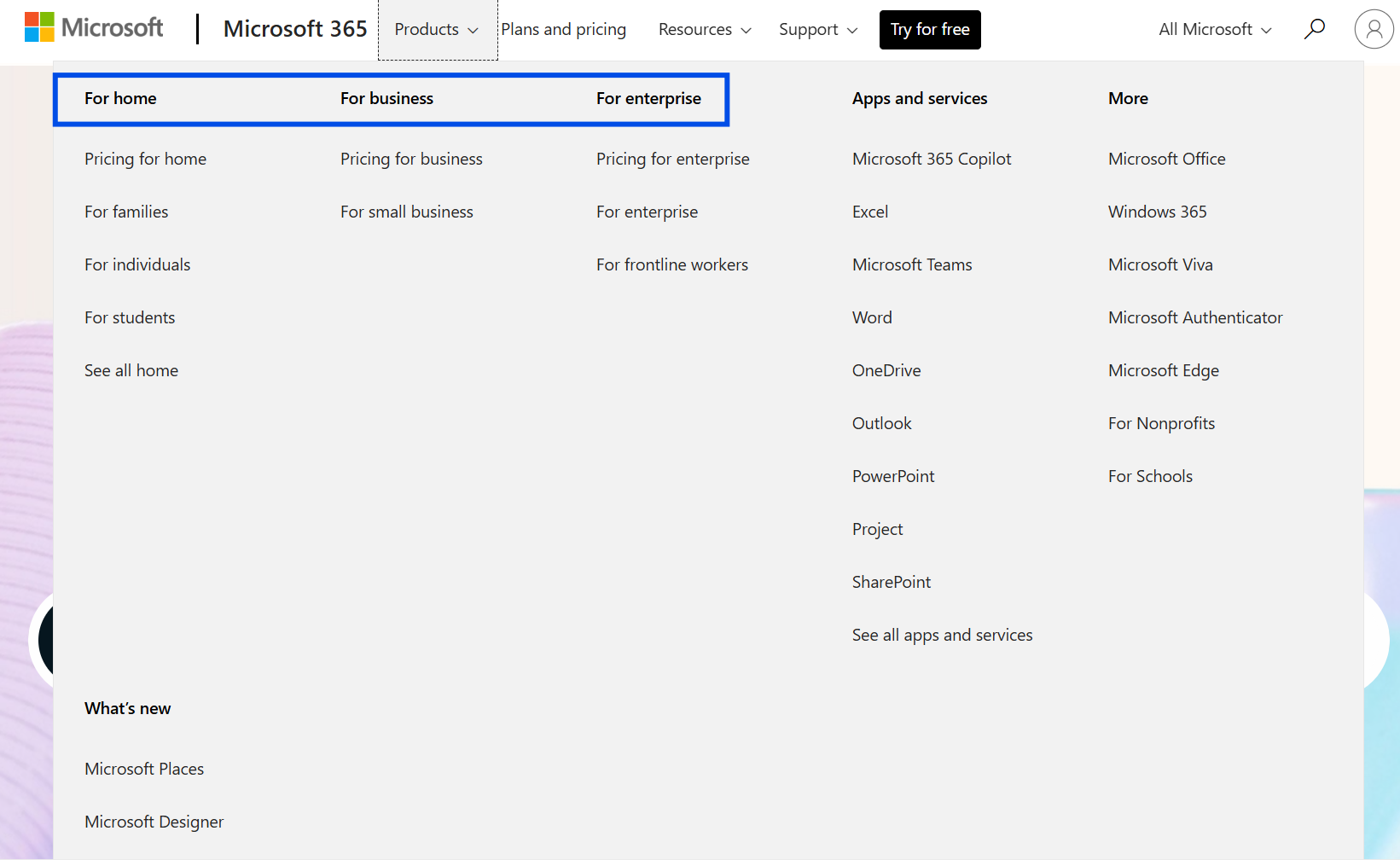
The main navigation also highlights the Products by buyer segment.
Are the core AI use cases clear?
Key value statements and use cases that are most visible for each customer type include:
For personal users:
- Primary value proposition: Supercharge your productivity with AI
- Additional language: Get productivity apps, security, and storage with Microsoft 365. Then add AI power with Copilot Pro.
Business users:
- Primary value proposition: Bring your business ideas to life
- Additional language: Get the tools you need to do your best work with Microsoft 365. Plus, invest in Microsoft 365 Copilot to bring AI-powered experiences to your entire business.
Large enterprises:
- Primary value proposition: Become an AI-powered organization
- Additional language: Empower your teams to drive better business results with Microsoft 365. Then supercharge it with Microsoft 365 Copilot, your AI assistant for work.
Schools:
- Primary value proposition: Transform learning with Microsoft 365 Education
- Additional language: Empower learners in and outside the classroom using student-centered solutions with Microsoft 365 Education.
NOTE: for Education, Copilot is not mentioned in the primary messaging.
Is it clear how Copilot and its integration with 365 apps provide differentiated value?
Microsoft’s content team has a clear messaging framework in place focusing on the key benefit of 365 applications as a secure “all in one” suite – enhanced by Copilot.
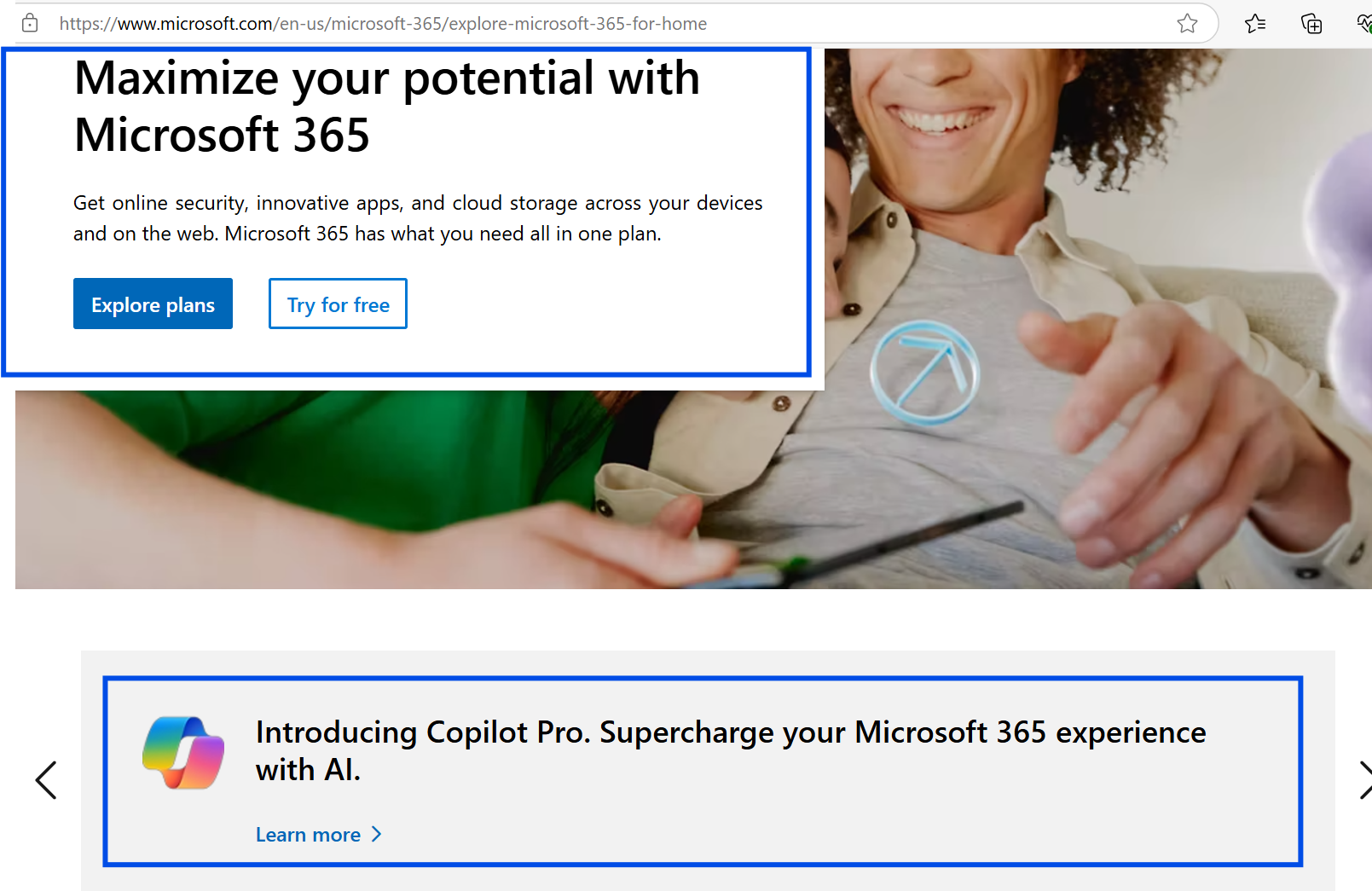
Example for home users:
Emphasizes the benefits enabled by apps like Word, Excel and Outlook first, followed by Copilot to “supercharge” the 365 experience.
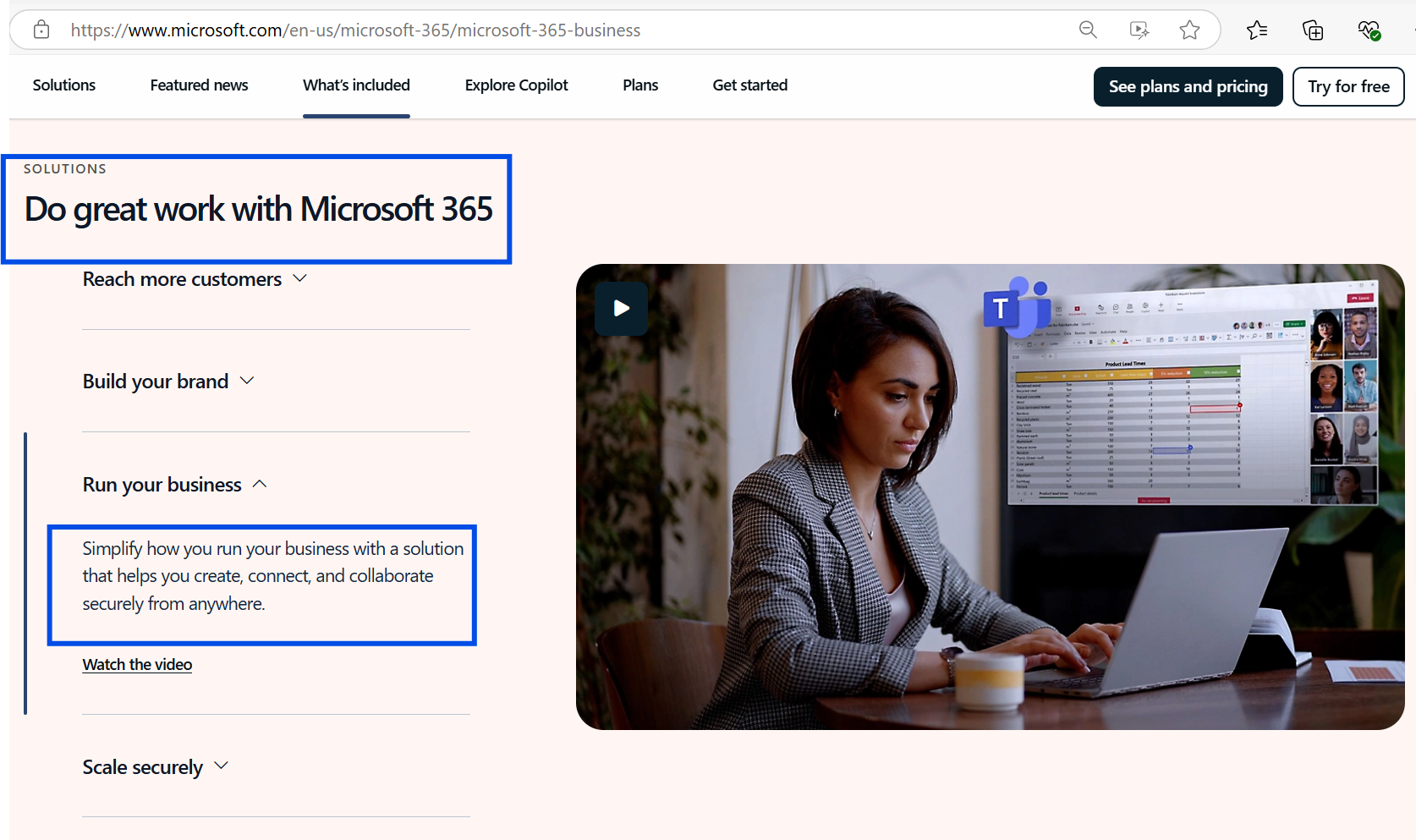
Example for business users:
For business users, there is similarly a focus on the business results that 365 applications can enable, and the benefits associated with improving business effectiveness.
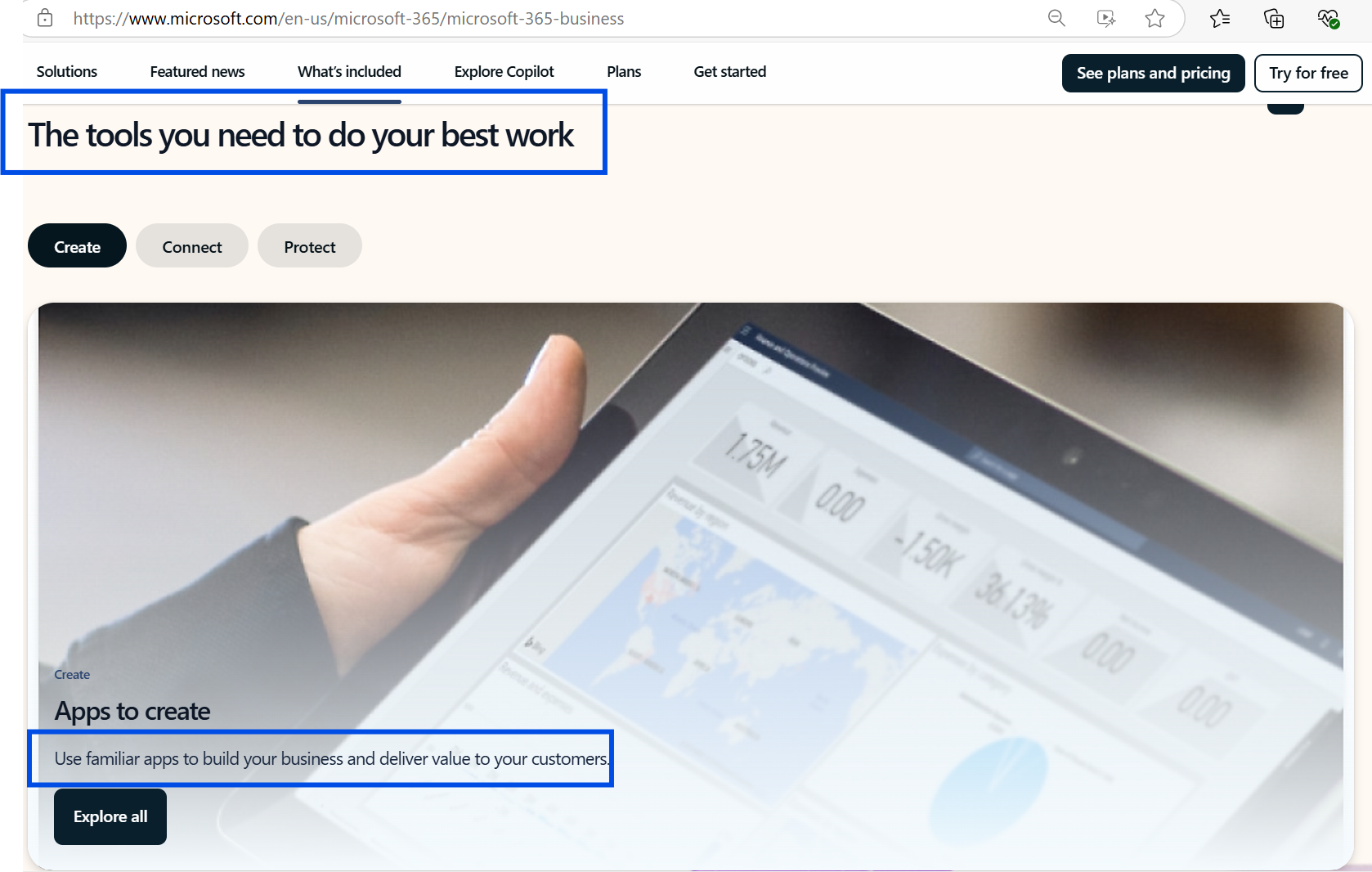
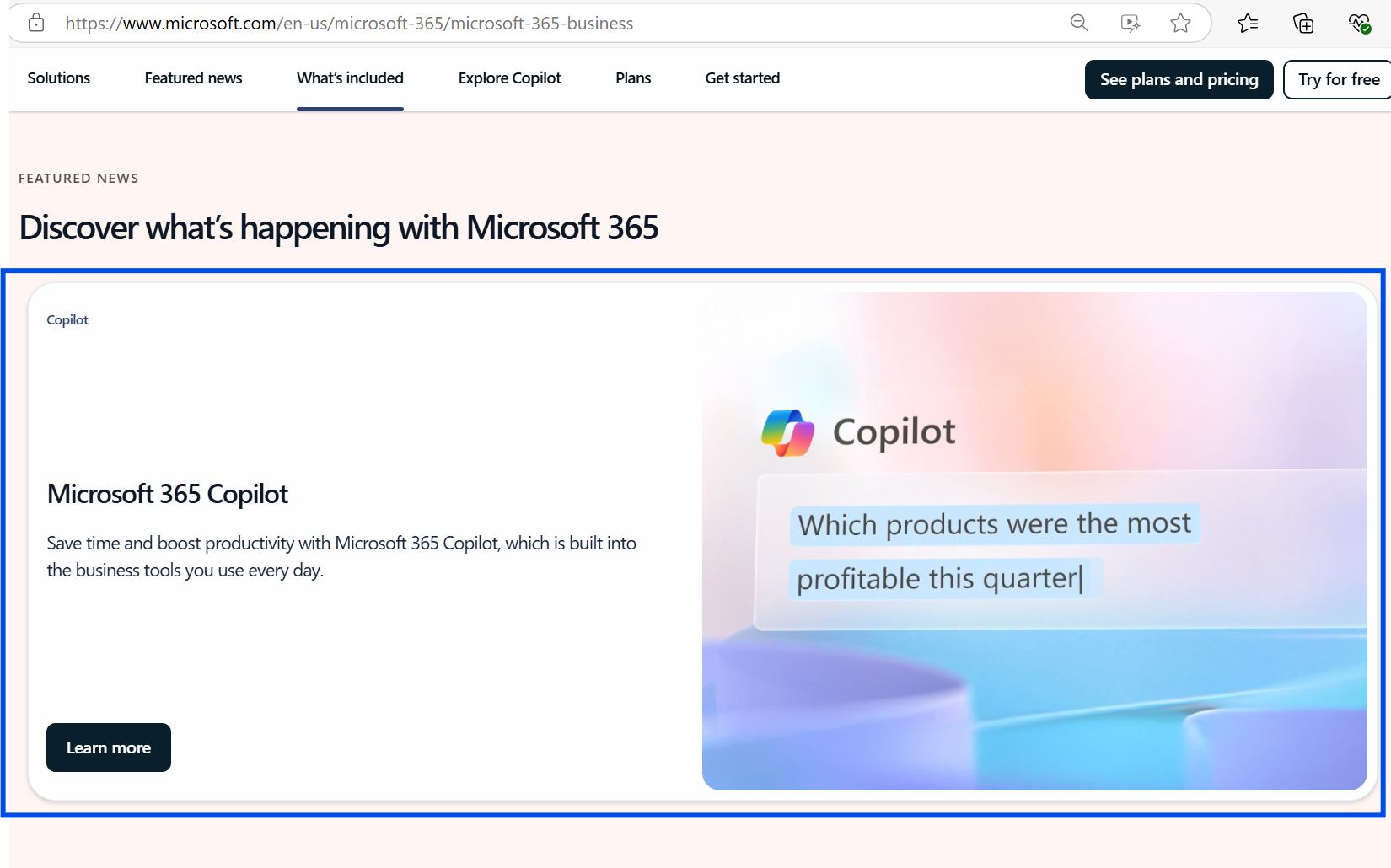
The next level of messaging for business users featured prominent promotion of Copilot and how it can enhance the 365 apps.
Example of AI promo: The sample prompt on the right illustrates an example of the value Copilot could bring.
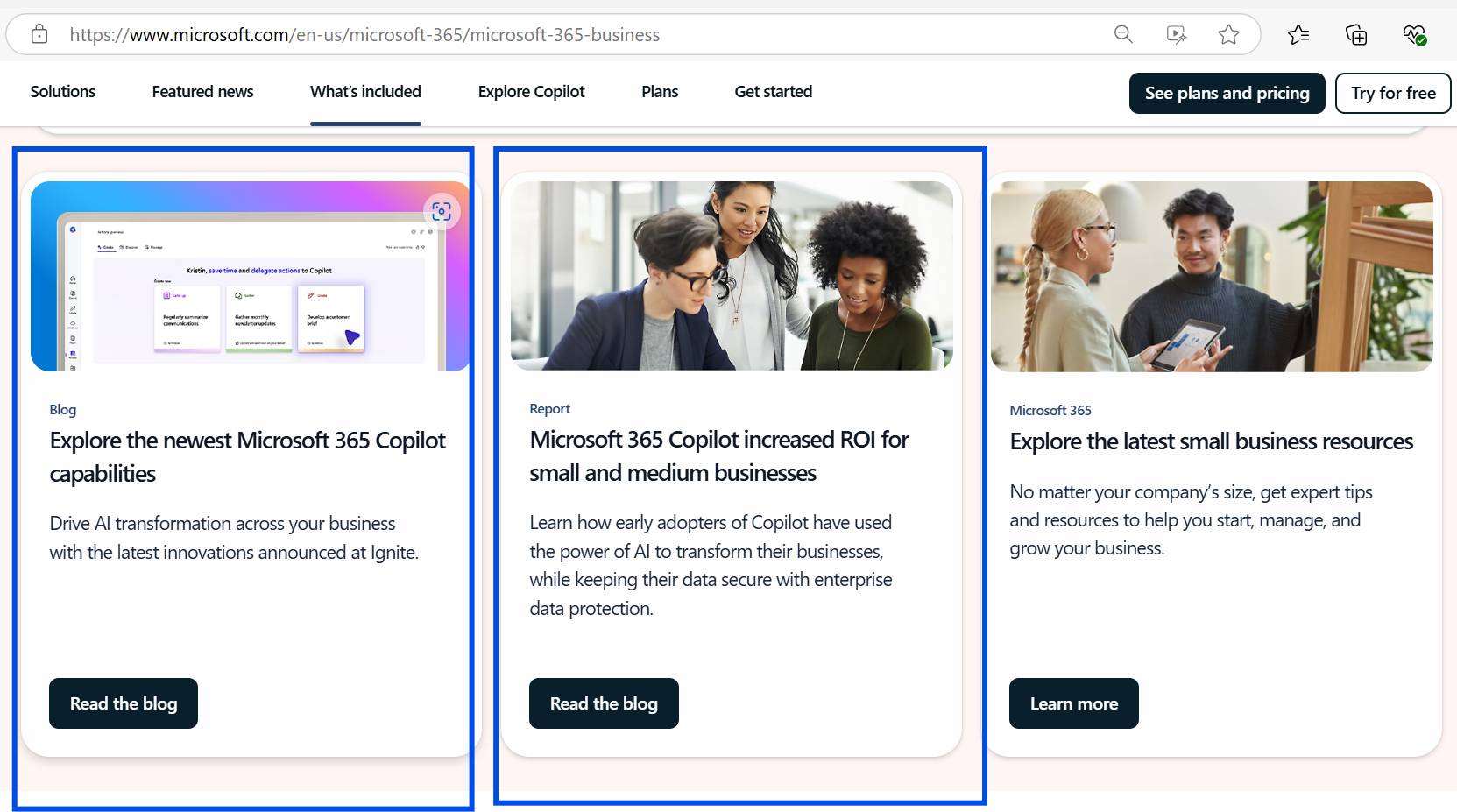
Another example of AI promos within the business focused pages:
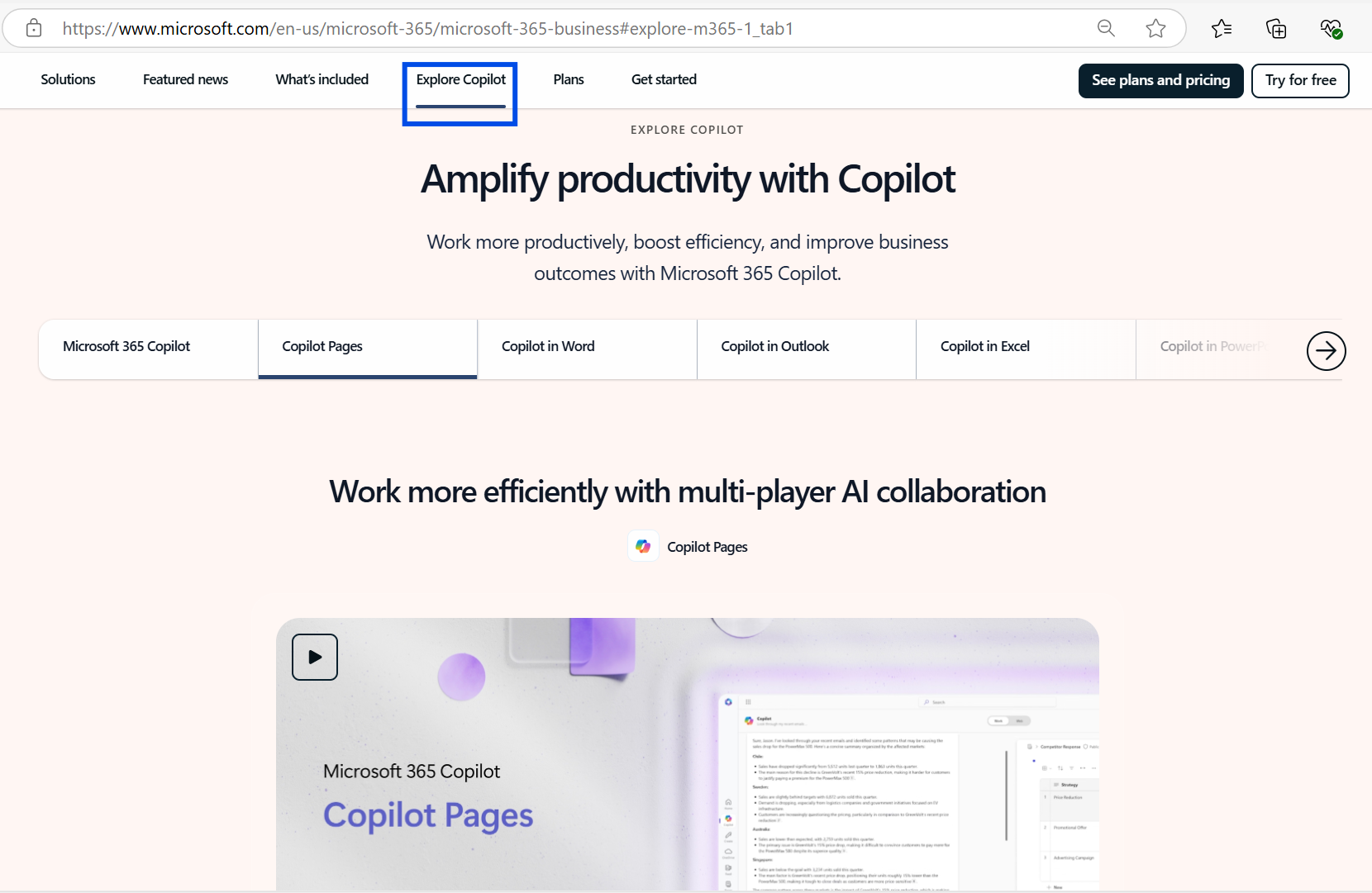
In the most notable promo highlighting Copilot, there are short videos that bring to life specific use cases for leveraging Copilot within Pages, Word, Excel and other tools.
The use of tabs and pop ups / light boxes for each video helps the user view the videos without leaving the page.
Separately from this “Explore Copilot” section within the MS 365 site, there are at least two other websites focused on Copilot, and Copilot for Work:
- Copilot – Microsoft 365 Copilot—Features and Plans | Microsoft 365
- Copilot for work – Your AI Assistant for Work | Microsoft 365 Copilot
Each of these elaborates on AI driven use cases by role (Service, Sales, Finance, etc.), show dynamic video examples, and even highlight how to create Agents via Copilot Studio.
How hard is it to buy Copilot Pro?
Within the primary Microsoft 365 website, there is an intuitive, natural progression to the site towards reviewing plans and pricing for MS 365. However, as the user progresses in the purchase process, they will slowly uncover that:
- Copilot Pro is expensive
- Copilot is purchased from within a MS 365 account after they purchase MS 365
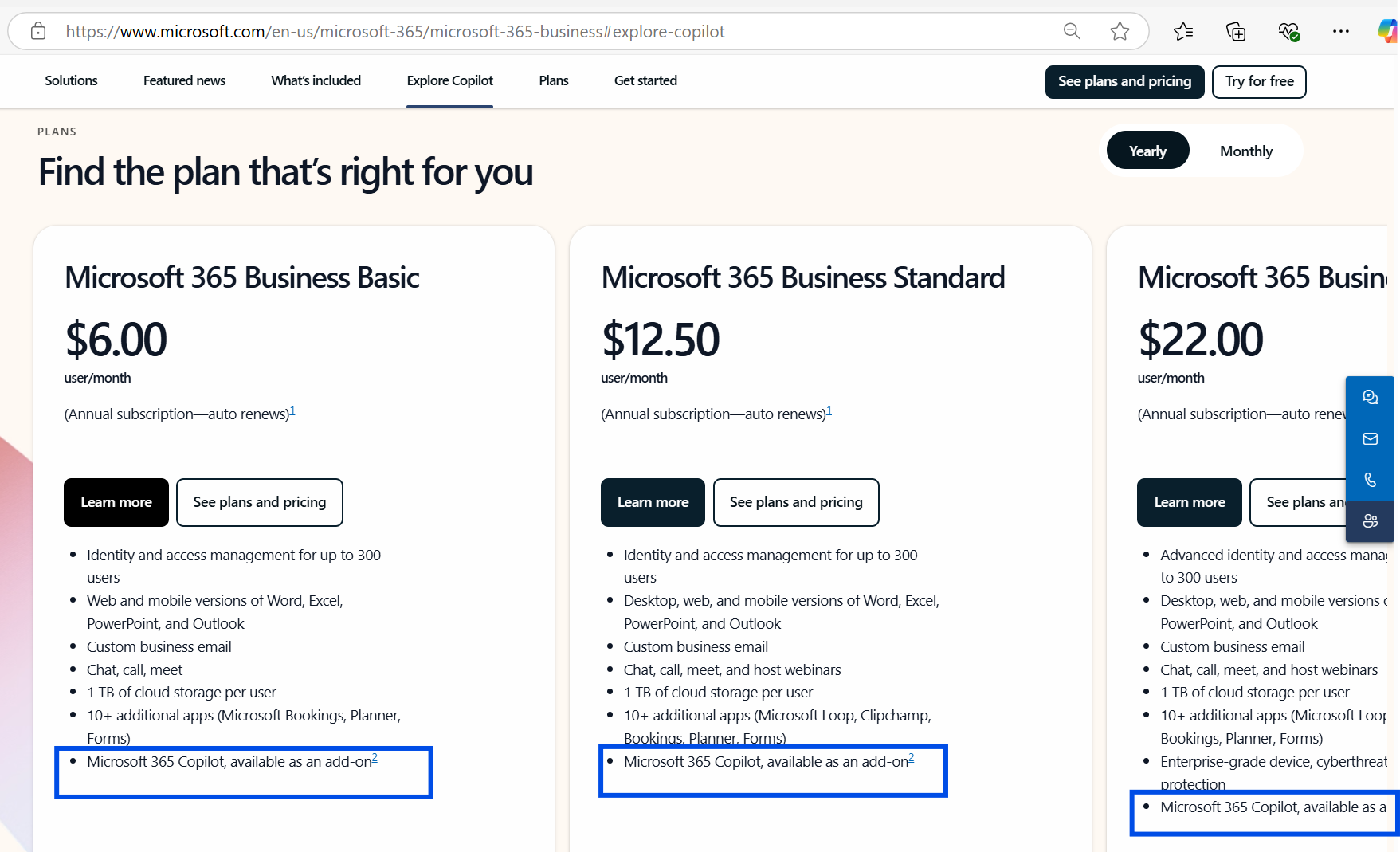
The screen below is the first time I was able to determine that Copilot 365 is an add-on for an incremental cost.
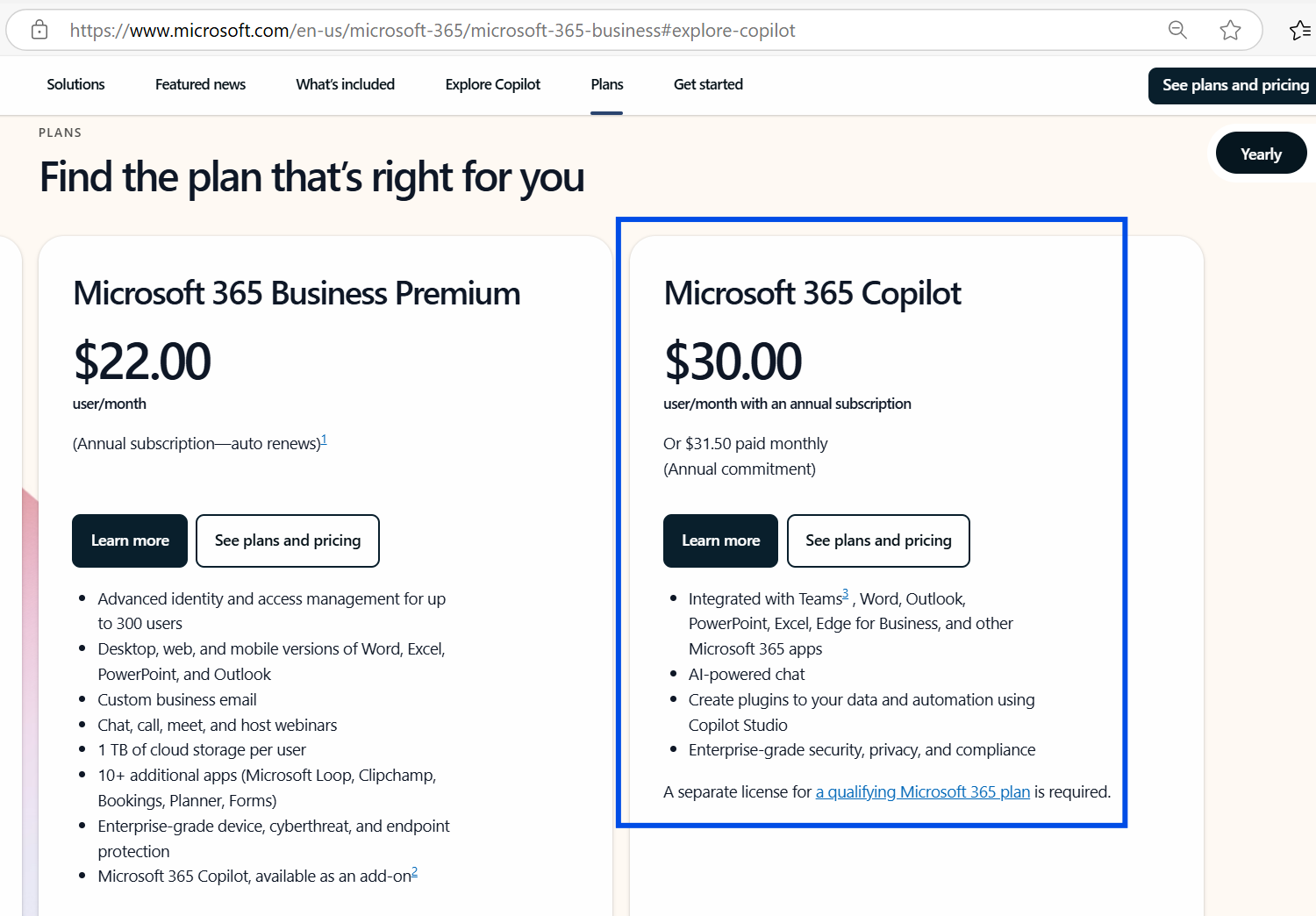
I also discovered that the cost of Copilot for MS 365 is substantially more than the most expensive monthly business user licenses for just the 365 apps.
To buy a plan, users need to click “See plans and pricing” and they get redirected to a main commerce page. On that page, the user discovers that Copilot is purchased after they gain access to 365.
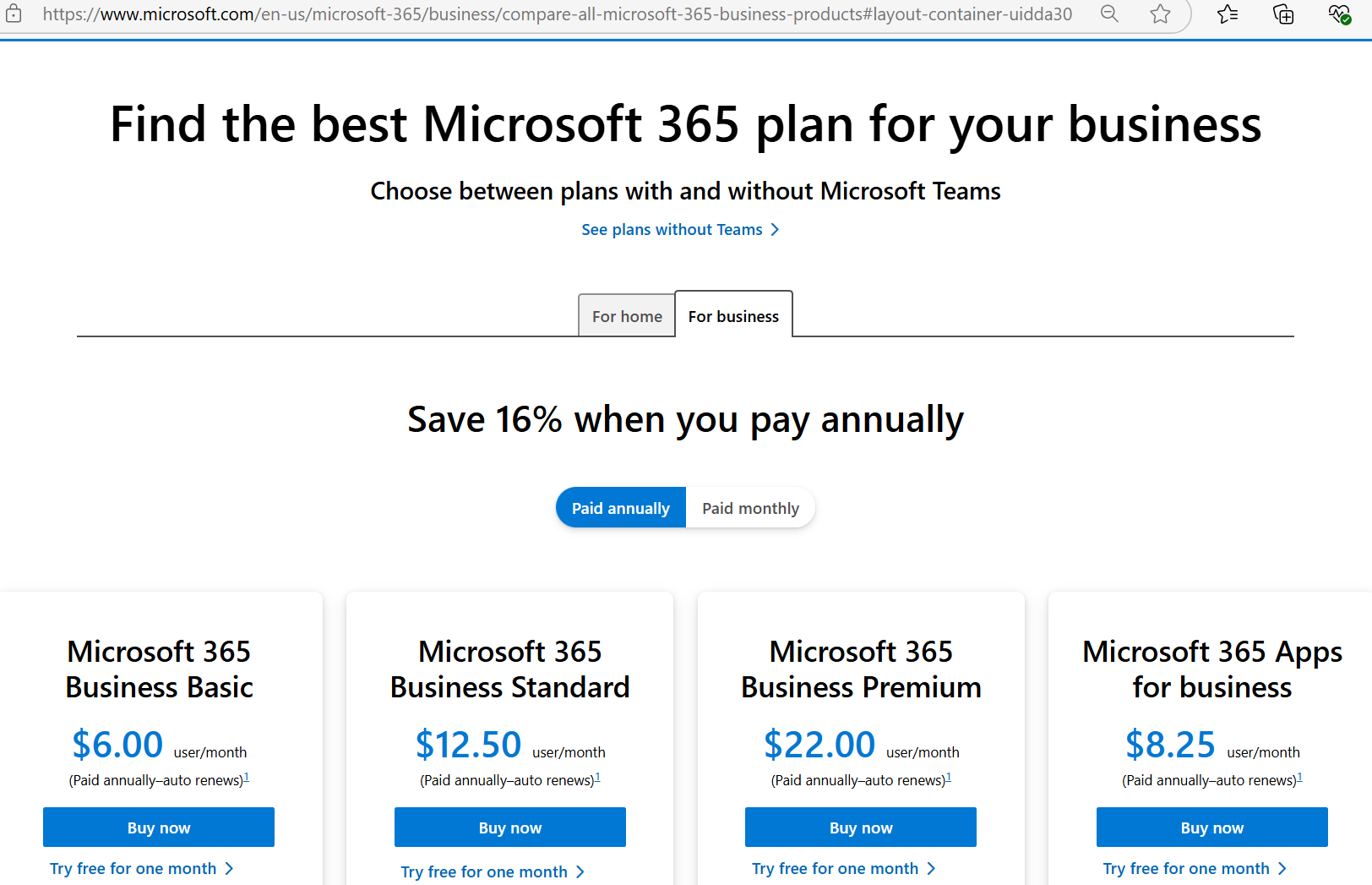
Once here (on a separate commerce site), it is easy buy MS 365, but difficult to recall the value of Copilot relative to the high perceived price point.
What are some of the highlights of how Microsoft markets Copilot?
- A clear messaging hierarchy shows the benefits of the software suite first, supported by the integrated AI capabilities.
- Compelling video-based use cases bring to life what the tool can do and how that might equate to benefits (save time summarizing notes, etc.)
- A cohesive narrative / user journey that is simple from “top to bottom” of the page
What’s missing?
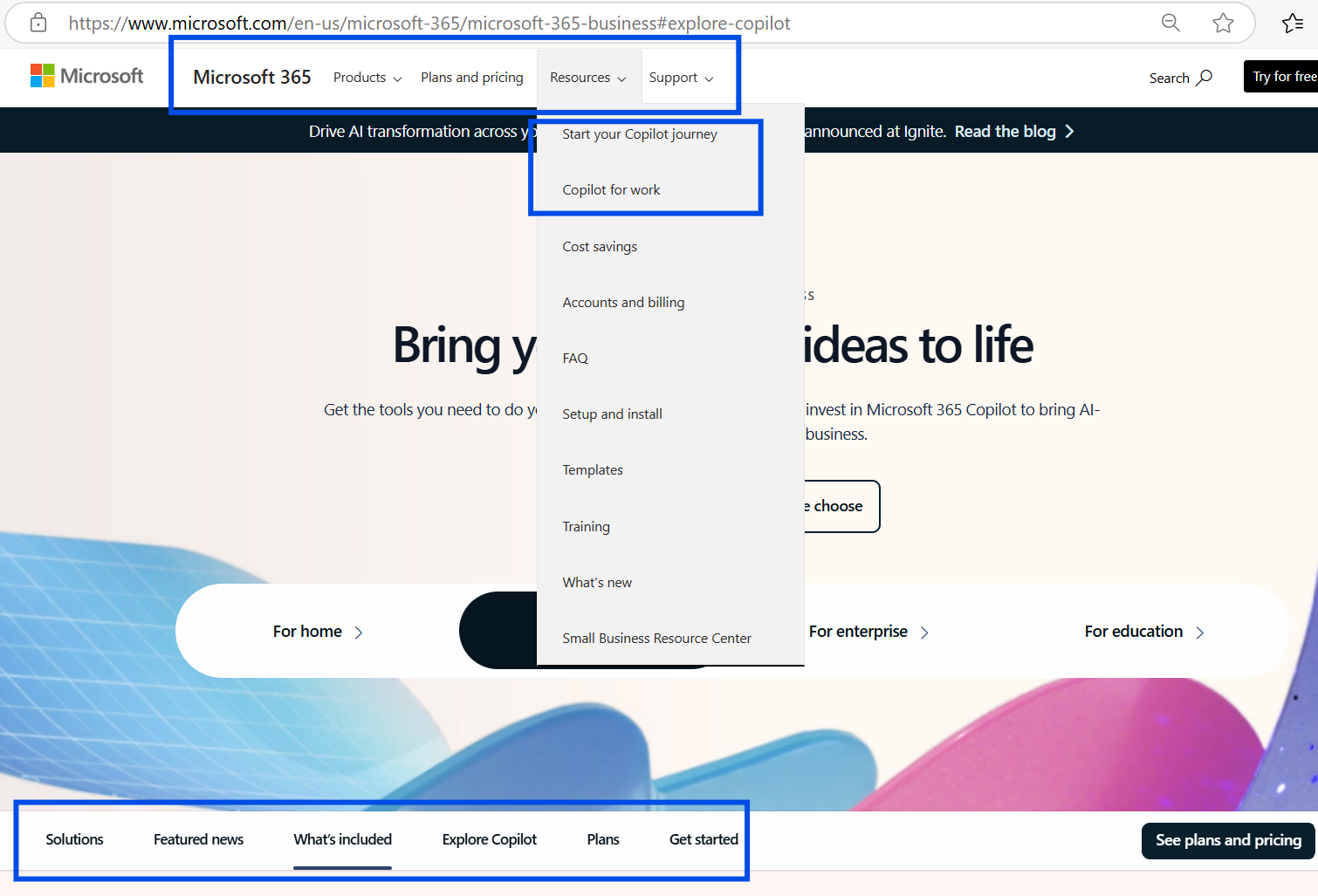
- If the user stays within the MS 365 web experience, the user experience and narrative regarding the value of MS 365 and Copilot are clear. As soon as the user deviates or drills down into CTA buttons or the pages within the main navigation dropdown, the complexity of Microsoft’s breadth of products (and number of internal teams behind each web experience) quickly makes the research and purchase process more convoluted. For example, there are multiple distinct pages describing the value of Copilot (for work, Pro version, for 365 home users).
- There is a big leap from the pricing of 365 user licenses to the incremental cost of adding Copilot. Microsoft’s marketing team should try to more directly connect the quantitative ROI of Copilot in the case studies that are highlighted.
- It’s not particularly clear what is the difference between Copilot, Copilot Pro, and Microsoft 365 Copilot.
- If a user is already familiar with the Microsoft Edge browser or Copilot within their browser, it is not explicitly clear how the integrated version of Copilot is better than the basic use cases the free web-based Copilot offers.
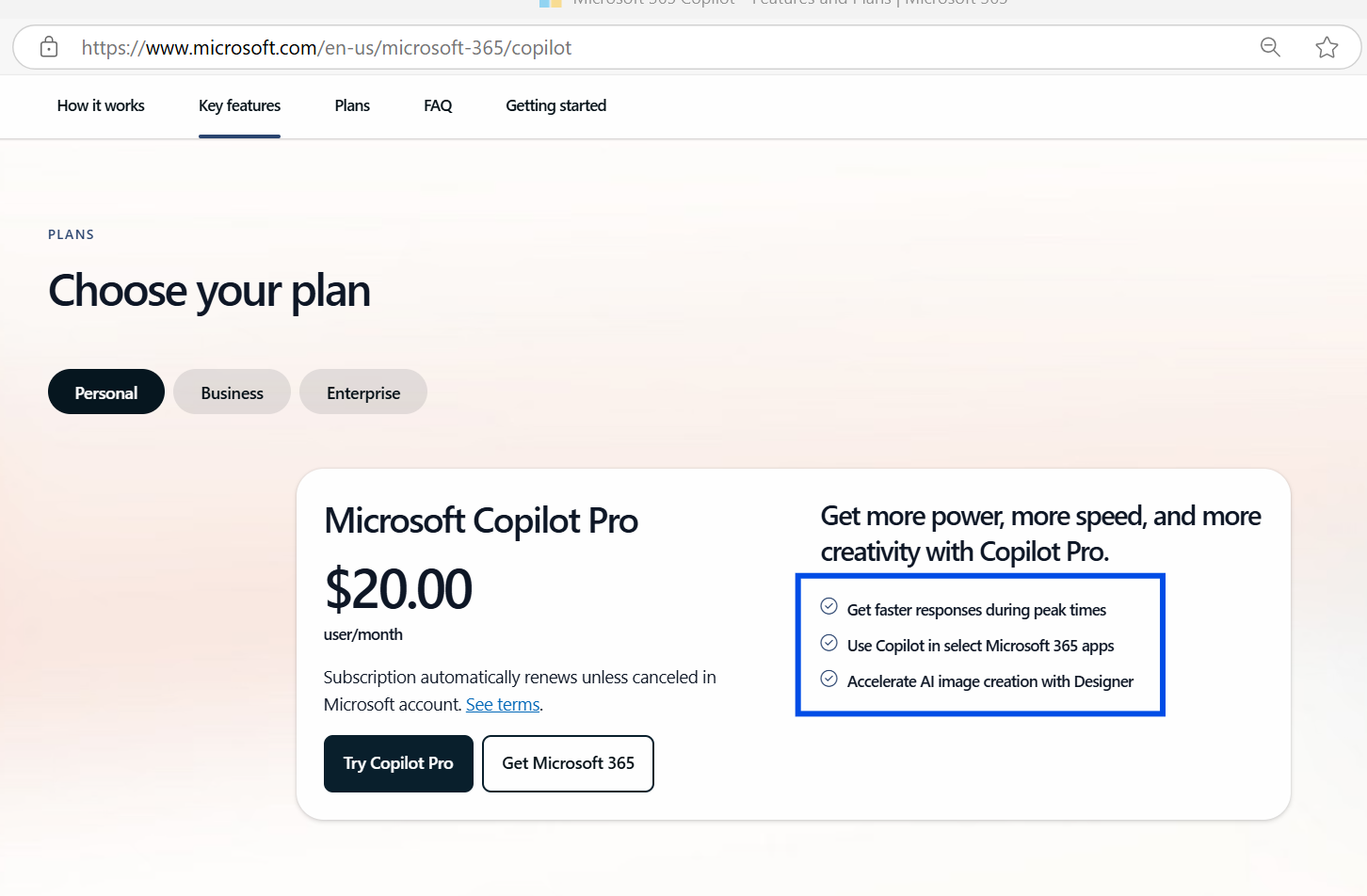
- Some of the “benefits” of Copilot Pro seem arbitrary – “Get faster response times” or “Accelerate AI image creation” don’t seem worth the high price point to me.
Example 1: Too many “entry points” to learn about Copilot, each with slightly different purposes
Example 2: Arbitrary value for the high price of Copilot Pro
In Conclusion…
The messaging of the value of Copilot Pro for all types of 365 users is clear and effective. The web page structure, content sections, and video content quality each help build the narrative for the value of integrated MS 365 apps and Copilot. However, the disconnected purchase process, high price point for Copilot Pro, and lack of focus on ROI within the messaging may mean that Copilot Pro subscriptions are more often sold to individual users who want to “pilot” the features after they have already got MS 365 set up. That will make the upsell commerce experience and retention-focused marketing particularly important for increasing long-term adoption and use of Copilot Pro.